If your FortiGate suddenly stopped pulling FortiGuard updates or you noticed DNS filtering going dark, you are not alone. A recent change by DigiCert to the Certificate Revocation List (CRL) for its High Assurance EV Root CA triggered widespread FortiGuard connectivity issues across environments using Anycast-based services.
The fix is straightforward, and you can restore full FortiGuard functionality in minutes. Cyber Advisors helps organizations manage exactly these kinds of infrastructure disruptions through proactive monitoring and rapid response. This guide walks you through confirming the problem, applying the workaround, and validating recovery.
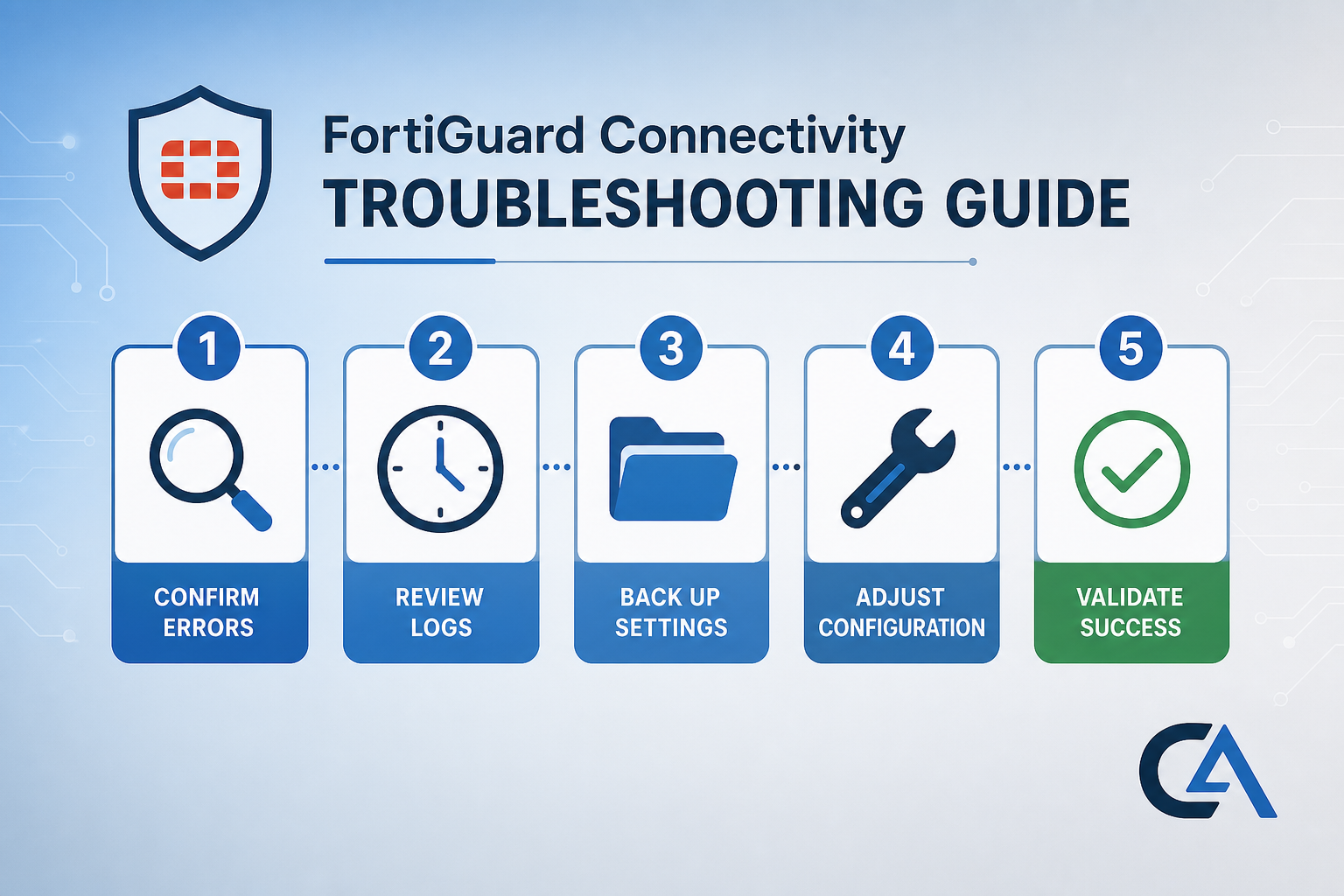
Quick Guide: How to Restore FortiGuard Connectivity in 5 Easy Steps
- Confirm the DigiCert CRL Scope Error: Check FortiGate debug logs for certificate error 44 (different CRL scope) pointing to the DigiCert Root CA.
- Review Timing and Environment Clues: Verify the issue started after September 9, 2026, and that your FortiGate uses Anycast FortiGuard services.
- Back Up Your Current FortiGuard Settings: Document your existing
system fortiguardconfiguration before making changes. - Disable Anycast and Apply the Workaround: Switch to Unicast FortiGuard servers using the CLI configuration that Cyber Advisors recommends below.
- Validate FortiGuard Connectivity and Service Recovery: Run update commands and confirm all FortiGuard services are operational again.
Restoring FortiGuard Connectivity After the DigiCert CRL Change
1. Confirm the DigiCert CRL Scope Error
The root cause of this issue is a CRL (Certificate Revocation List) change made by DigiCert on September 9, 2026. DigiCert added an Issuing Distribution Point (IDP) extension to the CRL file used by the DigiCert High Assurance EV Root CA. That extension caused FortiOS certificate revocation checks to fail against the root certificate in the chain.
No certificates were actually revoked. The failure is strictly a validation logic mismatch between the new IDP extension and how FortiOS handles CRL checks on root CA certificates that do not include CRL Distribution Point entries.
To confirm this is your issue, enable debug logging on your FortiGate:
diagnose debug application update -1
diagnose debug application forticldd -1
diagnose debug enable
Look for output containing Cert error 44, different CRL scope with a reference to DigiCert High Assurance EV Root CA. If you see that combination, you are dealing with this specific issue.
2. Review Timing and Environment Clues
This problem affects FortiGate devices running FortiOS 7.2.x, 7.4.x, and 7.6.x that connect to FortiGuard services through the Anycast delivery method. If your FortiGate uses Unicast servers exclusively, you should not be affected.
Confirm the timing lines up. The CRL change went live on September 9, 2026, at approximately 18:38 GMT. If your FortiGuard updates were working before that timestamp and failed after it, the correlation is strong.
Symptoms to watch for include FortiGuard FDN reporting as unreachable, signature databases showing outdated versions, FortiToken provisioning failures, and FortiGate Cloud activation errors. Basic network reachability (ping and TCP/443 to update.fortiguard.net) will still succeed, which makes this issue easy to misdiagnose as a configuration problem.
According to Fortinet's technical advisory on the CRL scope issue, all Anycast FortiGuard services may be impacted while Unicast services remain unaffected.
3. Back Up Your Current FortiGuard Settings
Before applying any changes, document your current FortiGuard configuration. Run the following command on your FortiGate CLI:
show system fortiguardCopy the output and save it to a safe location. If you need to revert later, you will have an exact record of your original settings. This step takes seconds but can save significant troubleshooting time if you need to roll back.
If you manage multiple FortiGate devices, repeat this on each unit. Configuration management tools or scripts can speed this process across larger environments. If your team needs guidance on maintaining consistent configurations across a fleet, a compliance audit can identify gaps before they become emergencies.
4. Disable Anycast and Apply the Workaround
The workaround switches your FortiGate from Anycast-based FortiGuard servers to Unicast servers. Unicast servers use certificates signed by a different certificate authority that is not affected by the DigiCert CRL change.
Apply the following configuration on your FortiGate CLI:
config system fortiguard
set fortiguard-anycast disable
set protocol udp
set port 8888
set sdns-server-ip 208.91.112.220 173.243.140.53 210.7.96.53 200.91.112.220
end
This block disables Anycast routing for FortiGuard traffic, sets the communication protocol to UDP on port 8888, and pins specific DNS server IPs for FortiGuard Secure DNS (SDNS) resolution. These are Fortinet-operated Unicast servers that do not rely on the affected certificate chain. Cyber Advisors provides guidance on FortiGate security configuration for organizations that need hands-on support with this change.
After applying the configuration, trigger an immediate update:
execute update-now5. Validate FortiGuard Connectivity and Service Recovery
After running the update command, verify that FortiGuard services are operational. Check the FortiGuard status in the GUI under System > FortiGuard, or run:
diagnose autoupdate status
diagnose autoupdate versions
Confirm that signature databases are downloading, license validation succeeds, and the FDN connection shows as available. If you use DNS filtering, verify it is resolving correctly by testing a known blocked category.
Monitor the FortiGate for the next 24 to 48 hours. Pay attention to scheduled update cycles, FortiToken operations, and any cloud-dependent features. A stable security posture depends on continuous threat detection alongside reliable signature updates. If all services remain stable, the workaround is holding.
Why Does a Certificate Change Break FortiGuard Connectivity?
Anycast FortiGuard services use TLS certificates signed by the DigiCert SHA2 Extended Validation Server CA, which chains up to the DigiCert High Assurance EV Root CA. When FortiOS validates a certificate, it checks for CRL Distribution Points and compares them against the CRL file.
Root CA certificates typically do not include CRL Distribution Point extensions. Before September 9, the CRL file did not include an IDP extension, so this mismatch never surfaced. Once DigiCert added the IDP extension, FortiOS attempted to validate the root certificate against it and failed with error 44.
No certificates were compromised, no data was at risk, and your FortiGate was working as designed within its CRL validation logic. The trigger was an upstream change that exposed a gap in how FortiOS handles IDP extensions on root CA CRLs. Understanding this root cause helps you make informed decisions about when to revert or hold the workaround.
What Should You Do After Applying the Workaround?
DigiCert reverted the IDP entry for its root CRLs on September 11, 2026. That means Anycast-based FortiGuard services should gradually recover without additional action on your part. However, "should" is not "guaranteed" in production environments.
If you want to re-enable Anycast after the revert, Fortinet recommends clearing the cached CRL on your FortiGate by toggling Anycast off and back on. Keep in mind that Fortinet has acknowledged this as Bug ID 1340700 and is working on improved CRL handling in a future FortiOS release.
Until that fix ships, consider keeping the Unicast workaround in place for critical environments. The performance difference between Anycast and Unicast FortiGuard is minimal for most organizations. A stable update channel matters more than routing optimization for signature delivery. Proactive protection starts with a reliable connection to your threat intelligence source.
How Cyber Advisors Helps You Manage FortiGate Infrastructure
Vendor-side changes like the DigiCert CRL update happen without warning and can disrupt services across your entire FortiGate fleet in minutes. That kind of disruption is exactly why incident response planning matters.
Cyber Advisors provides Managed IT services that include proactive monitoring, rapid incident identification, and immediate remediation for exactly these situations.
As a Fortinet partner, Cyber Advisors brings direct vendor relationships and deep expertise in FortiGate configuration, FortiOS troubleshooting, and network security architecture. Our team tracks vendor advisories, certificate changes, and firmware updates so your IT staff can focus on strategic projects instead of emergency triage.
We also deliver offensive security testing to verify that your defenses hold up under real-world conditions.
If this FortiGuard issue caught your organization off guard, that is a signal worth paying attention to. Keeping your business safe requires more than reactive fixes. Get in touch with Cyber Advisors to discuss how proactive managed security can keep your defenses current and your operations running.
FAQs About FortiGuard Connectivity Issues
What is FortiGuard Anycast and why does it matter?
FortiGuard Anycast routes your FortiGate update and security service traffic to the nearest Fortinet server using anycast IP addressing. It reduces latency and improves reliability under normal conditions. The recent CRL issue affected only Anycast servers, which is why switching to Unicast resolves the problem.
Does this issue mean my FortiGate was compromised?
No. The CRL scope error is a certificate validation failure, not a security breach. No certificates were revoked, and no attacker activity was involved. Your FortiGate detected what it interpreted as a trust chain problem and stopped the TLS connection as a precaution.
Cyber Advisors recommends treating this as a service disruption, not a security incident. If you want to understand the difference, our guide on the first 24 hours after a breach covers what a real security event looks like.
Which FortiOS versions are affected?
Fortinet confirmed the issue affects FortiOS 7.2.x, 7.4.x, and 7.6.x. FortiProxy and FortiPAM devices that connect to Anycast FortiGuard services are also impacted. The workaround applies to all affected versions.
Can I re-enable Anycast after the DigiCert revert?
Yes. DigiCert reverted the IDP extension on September 11, 2026. To re-enable Anycast, toggle the setting off and on to flush the cached CRL. Cyber Advisors suggests monitoring for 48 hours after re-enabling to confirm stability before considering the issue fully resolved.
How long should I keep the Unicast workaround in place?
Until Fortinet releases an updated FortiOS build that addresses Bug ID 1340700, keeping Unicast active is the conservative choice. The performance impact is negligible for most deployments. Cyber Advisors can help you evaluate when to switch back based on your specific environment and risk tolerance.