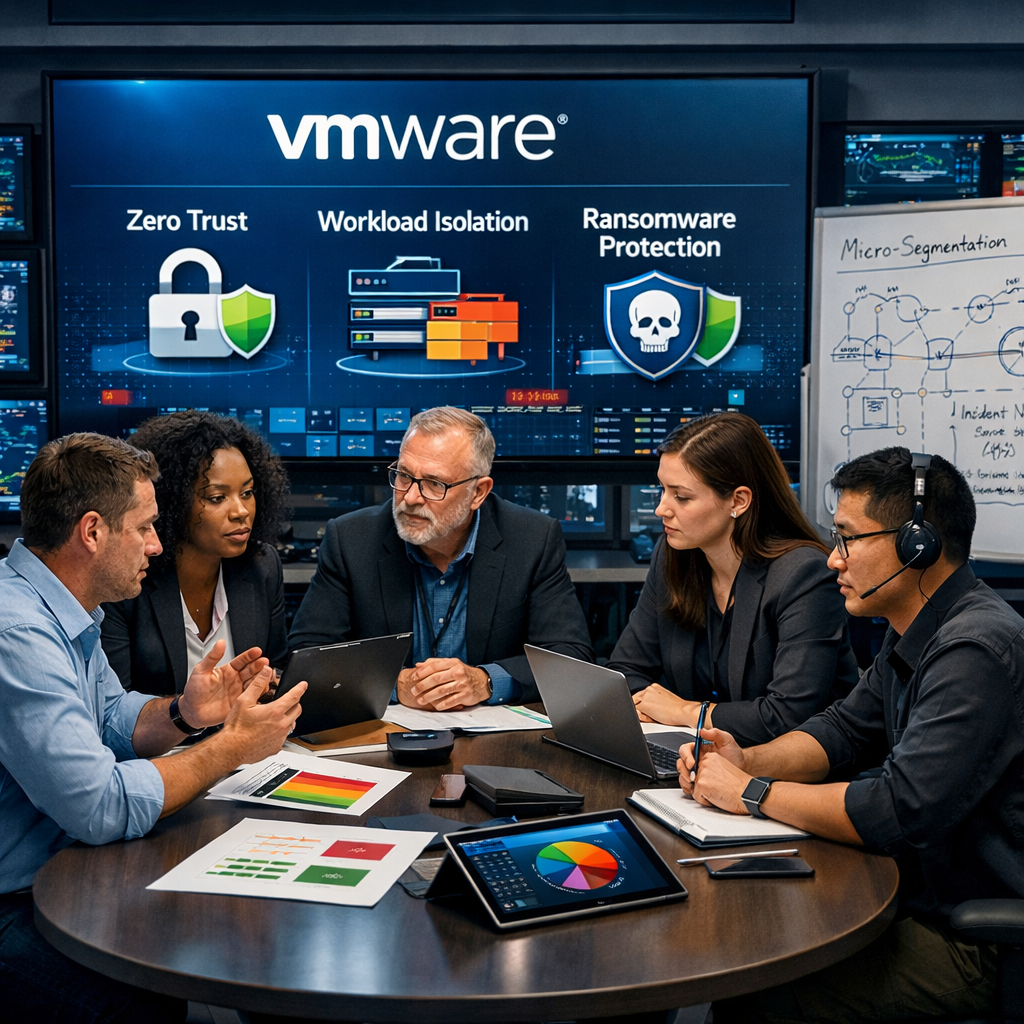
In this guide, we’ll break down how VMware supports a modern security posture—especially for SMB and mid-market organizations—through four focus areas:
- Zero Trust with VMware
- Workload Isolation and Micro-Segmentation
- Ransomware Protection and Recovery
- Cyber Advisors’ approach to securing VMware environments
Along the way, you’ll get practical recommendations, common pitfalls to avoid, and a clear set of next steps to strengthen your VMware security posture.
When implemented and governed correctly, VMware helps security and IT teams build a more resilient architecture by making segmentation practical, isolating workloads, improving visibility, and supporting stronger recovery options when ransomware hits.
Zero Trust with VMware
Zero Trust is often summarized as “never trust, always verify.” In practice, it means your environment assumes breach: every request, every connection, and every workload interaction should be authenticated, authorized, and continuously evaluated—regardless of whether traffic is “inside” the network.
The challenge for many organizations is that traditional data center security was built for north-south traffic (traffic entering and leaving the network), while modern attacks thrive on east-west traffic (traffic moving laterally between systems). Flat internal networks, permissive firewall rules, and inconsistent identity controls make it easy for attackers to pivot once they get a foothold.
VMware supports Zero Trust by enabling:
- Identity-centric access controls (often integrated with your IAM strategy)
- Segmentation at the application or workload level
- Strong visibility into workload communications
- Automated policy enforcement inside the virtual environment
The takeaway: VMware can help you move beyond “castle-and-moat” defenses and toward granular controls, with every workload having a clear, enforced trust boundary.
What Zero Trust looks like in a VMware environment
A practical VMware-aligned Zero Trust program usually includes:
1) Strong identity & access management for administrators
The fastest way to lose a VMware environment is through compromised administrative credentials. Your vCenter and ESXi access should be protected with:
- Multi-factor authentication (MFA) wherever supported
- Privileged access management (PAM) for admin accounts
- Role-based access control (RBAC) with least privilege
- Separation of duties between virtualization admins, security admins, and backup admins
2) A “default deny” mindset for workload-to-workload traffic
Most environments evolve into a “permit by exception” model—where everything can talk to everything until someone complains. Zero Trust flips that. You build an allowlist of necessary flows, validate them, and block the rest.
3) Continuous visibility & verification
Zero Trust isn’t a one-time project. You need telemetry: what’s talking to what, what changed, and what looks abnormal. VMware’s ecosystem supports the collection and correlation of signals across infrastructure and workloads, enabling teams to respond faster.
4) Governance that prevents drift
Even a well-designed architecture will degrade without enforced standards. Governance covers change management, configuration standards, patch SLAs, and periodic control validation.
These four pillars are not unique to VMware, but VMware’s platform makes them easier to operationalize—especially segmentation and workload visibility—which brings us to the next section.
Workload Isolation & Micro-Segmentation
If you want a single phrase that explains how attackers win inside networks, it’s lateral movement. Most breaches don’t start with a direct hit on the most valuable system. Attackers compromise a weaker asset, harvest credentials, discover the environment, and then move laterally until they find what they want.
Micro-segmentation is one of the most effective ways to disrupt that playbook.
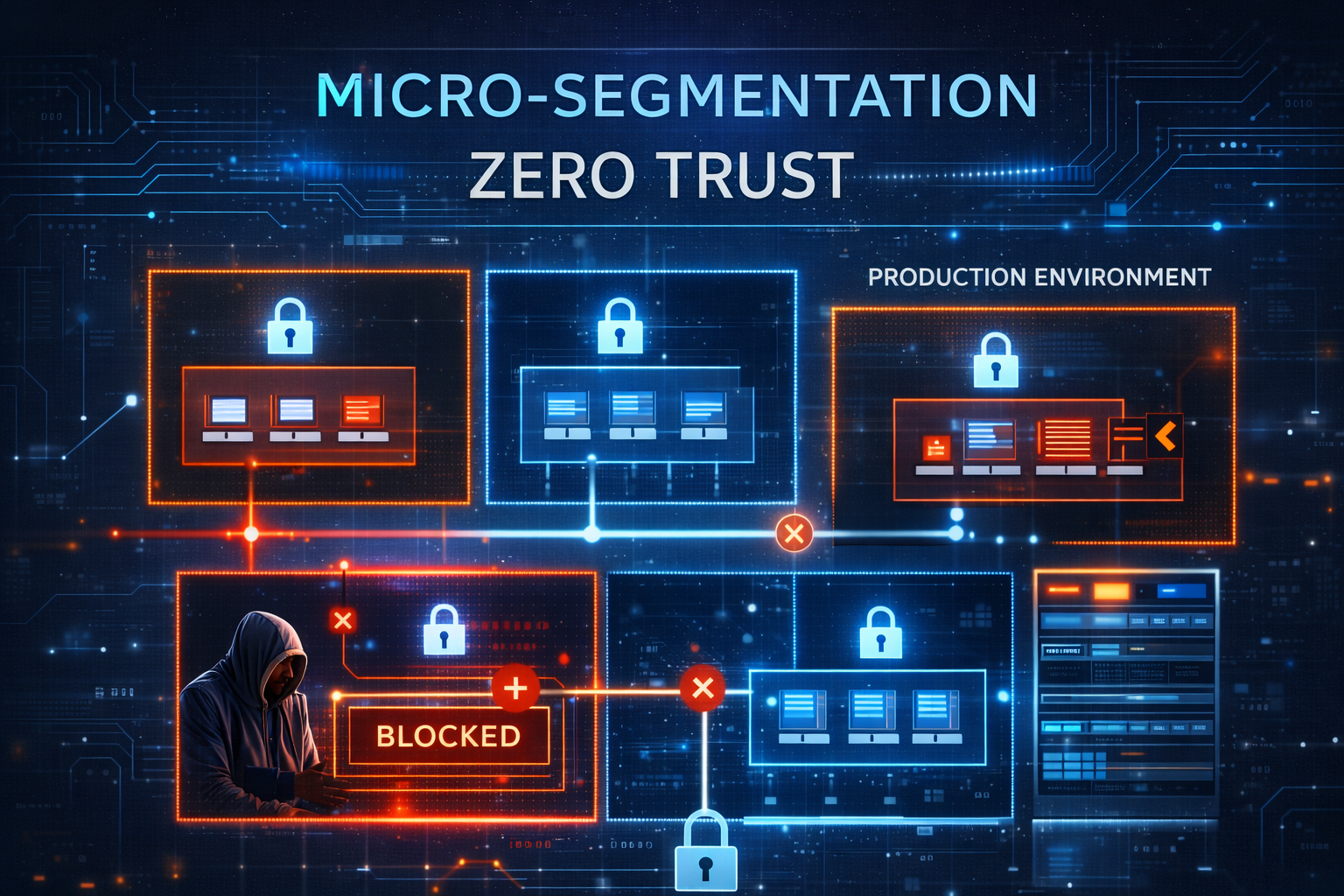
“Micro-segmentation reduces lateral movement by enforcing least-privilege connections between workloads.”
VMware NSX security segmentation
VMware NSX is widely used for micro-segmentation because it enables distributed, policy-based controls at the workload level (not just at the edge firewall).
Instead of relying on VLANs and traditional perimeter firewalls, NSX helps you create security zones based on:
- Application tiers (web, app, database)
- Environment types (prod, dev/test)
- Sensitivity (PCI, HIPAA, financial data)
- Identity and tags (workload attributes)
That’s important because VLAN-based segmentation often breaks down in real environments:
- Too many exceptions
- Too much operational friction
- Too difficult to maintain as apps change
- Too coarse to stop modern threats
Micro-segmentation helps you enforce security where it matters—between workloads—without needing to redesign your physical network.
Network visibility & control: “What’s talking to what?”
Before you can enforce segmentation, you need to understand traffic flows. Many organizations avoid segmentation because they fear breaking applications. That fear is reasonable—if you’re operating blind.
The right approach is staged:
- Discover: map traffic flows and dependencies.
- Model: define target zones and policies.
- Simulate: test rules without disrupting the system.
- Enforce: implement gradually, starting with high-value systems.
- Maintain: monitor for drift and new dependencies.
This process is where VMware-based visibility can be a differentiator. When you can see workload communications in context, you can build policies that match reality—not assumptions.
Workload isolation: containing incidents before they spread
Micro-segmentation is proactive. Workload isolation is reactive—and equally important.
When a workload is suspected of compromise, the ability to isolate it quickly is critical. Isolation reduces the blast radius, preserves evidence, and gives incident responders time to investigate without the threat spreading.
In a well-designed VMware security program, isolation can be:
- Network isolation (preventing lateral movement)
- Administrative isolation (limiting who can access consoles)
- Snapshot/isolation workflows (preserving state for investigation)
The objective is to treat containment as a built-in capability rather than an improvised response.
Common micro-segmentation pitfalls
Micro-segmentation fails when it becomes either an overly complex engineering project or a checkbox initiative with no enforcement.
Pitfall 1: Trying to segment everything at once
Fix: Start with a few high-value apps or critical systems. Build repeatable patterns.
Pitfall 2: Ignoring identity controls
Fix: Segmentation and identity go hand in hand. Strong RBAC and MFA protect the control plane.
Pitfall 3: Over-reliance on manual rule management
Fix: Use tagging, templates, and change processes so rules remain manageable.
Pitfall 4: Not planning for operational ownership
Fix: Decide who owns policy (security vs infrastructure) and define governance for updates.
With segmentation and isolation in place, ransomware becomes harder to execute. But “harder” is not “impossible,” which is why ransomware protection and recovery deserve their own focus.
Ransomware Protection & Recovery
Ransomware has evolved from “encrypt a few files” to full-environment disruption. Modern groups aim to compromise privileged credentials, disable or encrypt backups, encrypt hypervisors or critical infrastructure, exfiltrate data for extortion, and cause maximum downtime for leverage.
If your VMware environment hosts critical workloads, ransomware readiness is business readiness.
There are three phases to ransomware resilience:
- Prevent the initial compromise where possible.
- Limit spread and privilege escalation.
- Recover quickly and confidently when prevention fails.
1) Prevention: reduce the odds of a successful attack
A) Hardening and patch discipline
VMware maintains security hardening guides for multiple products (including vSphere) that provide prescriptive configuration recommendations for secure deployment and operation.
- Consistent patching for ESXi hosts, vCenter, and management plugins
- Disabling unnecessary services and interfaces
- Securing remote access to management planes
- Enforcing strong authentication and RBAC
- Monitoring for configuration drift
B) East-west traffic control
Micro-segmentation reduces the ability of ransomware operators to propagate across systems.
C) Workload security telemetry and detection
The goal is not “buy every tool,” but rather “get actionable telemetry and response capability where it matters.”
2) Containment: assume compromise & limit the blast radius
Key containment goals include isolating compromised workloads quickly, preventing credential-based expansion, protecting management planes and backups, and preserving evidence for investigation.
- Playbooks for isolating VMs and restricting traffic
- “Break glass” accounts managed through PAM
- Separate admin domains for virtualization, security, and backups
- Rapid revocation of sessions and privileged tokens
3) Recovery: immutable backups & rapid restoration
Recovery fails when backups are not isolated from compromised credentials, recovery points are encrypted or deleted, you can’t verify what is clean, or recovery takes too long.
Immutable backups & recovery points
The idea behind immutability is simple: once a backup or snapshot is created, it cannot be altered or deleted for a defined retention period—even if an attacker gains admin credentials.
To make immutability meaningful, you also need identity separation, MFA for backup access, off-site/logically separated backup storage, and continuous testing.
Isolated recovery environments & clean-room restores
An isolated recovery capability helps you test recovery points without reintroducing malware, validate integrity, stage critical services first, and restore in a sequence aligned to business priorities.
Recovery time & recovery point objectives (RTO/RPO)
Testing is the only way to validate whether your RTO/RPO targets are realistic.
VMware ransomware readiness checklist (practical actions)
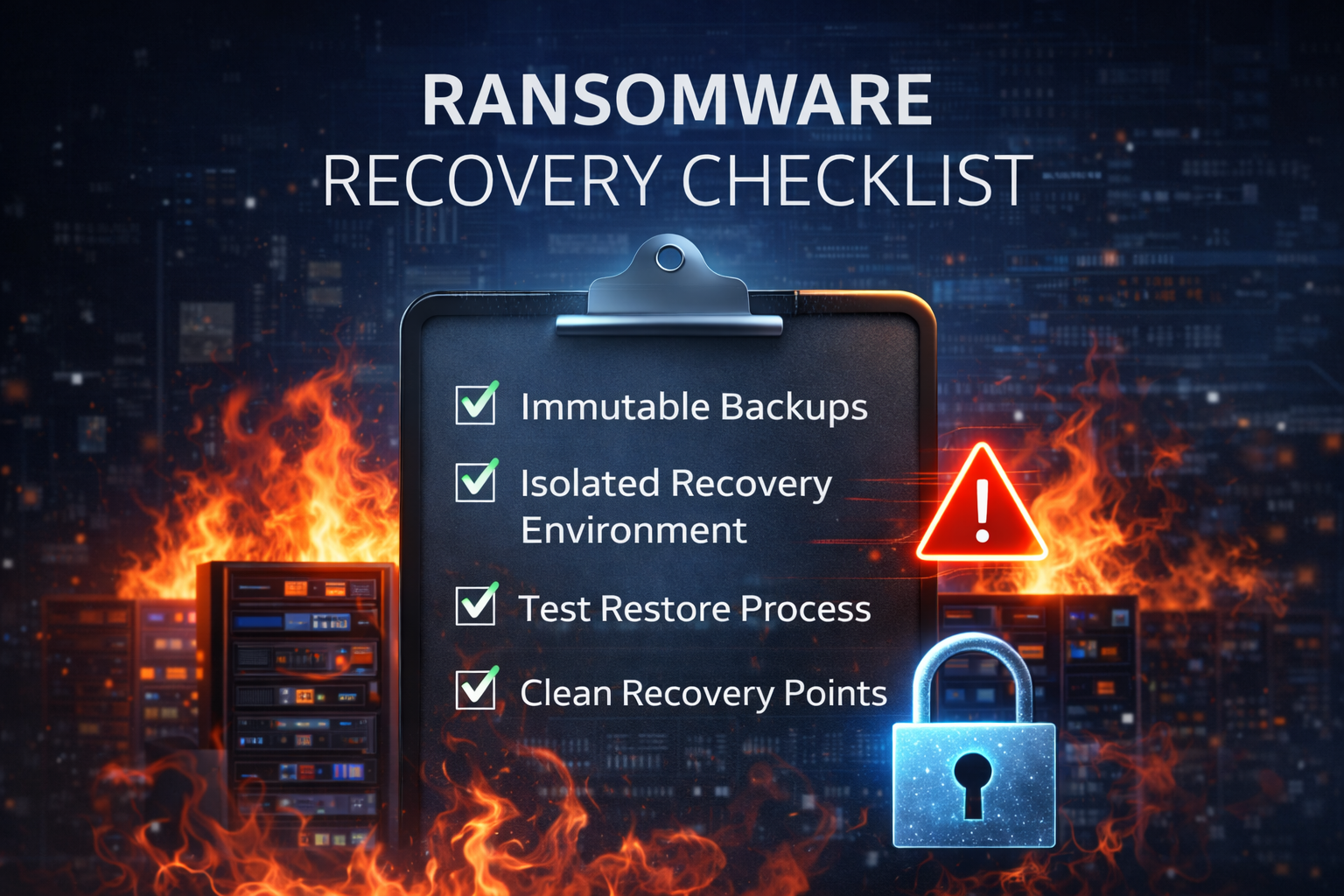
“Ransomware resilience depends on protected recovery points, isolation, and tested restore workflows.”
Identity and admin control
- Enforce MFA for vCenter and admin access where supported.
- Implement least privilege roles; avoid shared admin accounts.
- Use PAM for privileged workflows.
- Separate backup admin identities from virtualization admin identities.
Hardening and hygiene
- Align configurations with VMware security hardening guidance.
- Patch vCenter/ESXi on a defined SLA; track exceptions.
- Restrict management plane access (jump host, VPN, allowlists).
- Centralize logs for vCenter, hosts, and critical workloads.
Segmentation and containment
- Implement micro-segmentation for critical apps using NSX where appropriate.
- Define isolation playbooks: who, how, and under what triggers.
- Test isolation actions in tabletop exercises.
Backup and recovery
- Maintain immutable recovery points (snapshots/backups) and validate retention.
- Keep off-site or logically separated backups.
- Test restores regularly; document results.
- Use isolated recovery options to validate clean recovery points before production restoration.
If this feels like a lot—good. Ransomware resilience is a discipline, not a single tool purchase.
Unified cybersecurity management
VMware can help reduce the gap between infrastructure teams and security teams by enabling controls closer to the infrastructure layer, where both teams must collaborate.
- Segmentation policies require app understanding and operational ownership
- Hardening standards require infrastructure discipline and security validation
- Recovery planning requires IT operations and security incident response, working together
Cyber Advisors’ Approach to VMware Security
Cyber Advisors helps you move from “VMware is our platform” to “VMware is a controlled, resilient part of our defense strategy”—with hardened configurations, tightly managed privileged access, micro-segmentation that actually limits lateral movement, and ransomware-ready backup and recovery built in. Instead of treating VMware as just virtualization infrastructure, we help you govern it like a critical security control: monitored, tested, and continuously improved so it actively reduces risk while keeping your business running.
Step 1: Assess your current VMware security posture
- What is the true attack surface in the VMware environment?
- How is privileged access managed today?
- What segmentation controls exist (or don’t)?
- How resilient are backups, and are recovery points protected?
- What visibility exists into east-west traffic and management plane activity?
- Where are the highest-risk gaps?
Step 2: Design a Zero Trust-aligned architecture
- Identity and privileged access improvements
- Segmentation strategy (zoning, templates, phased rollout)
- Management plane protection (network controls, access paths)
- Logging and monitoring integration
- Recovery architecture aligned to RTO/RPO targets
Step 3: Implement micro-segmentation & isolation workflows
- Dependency mapping and traffic flow discovery
- Pilot segmentation on a small set of high-value workloads
- Policy templates and tagging strategies that keep rules manageable
- Operational handoff and governance so policies don’t decay
Step 4: Strengthen ransomware resilience (backup + recovery + testing)
- Immutable recovery point design
- Identity separation and MFA for backup administration
- Off-site or isolated backup options
- Recovery sequencing and runbooks
- Restore testing programs that produce evidence of readiness
Step 5: Operationalize security as a managed discipline
- Managed security monitoring and response (depending on your needs)
- Vulnerability management and configuration validation
- Patch and lifecycle governance
- Continuous improvement programs tied to metrics
VMware as a force multiplier for defense-in-depth
- Enforce Zero Trust principles where workloads live
- Stop lateral movement through micro-segmentation
- Isolate suspicious systems quickly to contain incidents
- Harden the virtualization platform and secure the management plane
- Maintain immutable recovery points and test restore readiness
Practical next steps
- Validate your VMware hardening baseline
- Tighten privileged access to vCenter and ESXi
- Map your east-west traffic flows
- Pilot micro-segmentation on a high-value system
- Audit your ransomware recovery readiness
- Run a recovery test
Metrics that prove your VMware security program is working
1) Privileged access health
- Percentage of admin accounts protected with MFA
- Number of shared or generic admin accounts (target: zero)
- Time to disable privileged access when an employee leaves or changes roles
- PAM adoption rate for elevated workflows
2) Segmentation maturity
- Percent of critical applications with documented communication flows
- Percent of critical workloads covered by micro-segmentation policies
- Number of “temporary” firewall exceptions older than 30/60/90 days
- Change success rate
3) Vulnerability & configuration hygiene
- Patch compliance for ESXi hosts and vCenter against your SLA
- Count of high-severity configuration deviations from your hardening baseline
- Mean time to remediate critical vulnerabilities affecting virtualization infrastructure
4) Ransomware readiness
- Number of immutable recovery points and retention coverage for Tier 0/Tier 1 apps
- Frequency and success rate of restore tests
- Measured RTO/RPO for key systems versus business-required targets
- Coverage of isolated recovery procedures for critical workloads
5) Detection & response performance
- Mean time to detect (MTTD) and mean time to respond (MTTR)
- Percentage of vCenter/ESXi logs forwarded and retained
- Count of high-confidence alerts tied to lateral movement or unusual admin behavior
Frequently asked questions
Q: Does virtualization make security harder?
A: Not inherently. Virtualization introduces new management layers, but it also enables stronger controls—especially segmentation and workload visibility—when implemented correctly.
Q: Is micro-segmentation overkill for mid-market organizations?
A: Not if you start with high-value workloads and use staged implementation.
Q: Are immutable snapshots/backups enough to stop ransomware?
A: No. Immutability helps protect recovery points, but you still need identity separation, off-site isolation, incident response playbooks, and regular testing.
Q: How do we know our RTO/RPO is realistic?
A: Test. Run restores, measure time, and validate application dependencies.
Cyber ADVISORS' Services
If your VMware environment hosts critical workloads, it should be part of your security strategy—not just your infrastructure strategy.
Cyber Advisors helps SMB and mid-market organizations strengthen VMware security through:
- VMware security posture assessments and prioritized roadmaps
- Zero Trust architecture and policy design
- VMware NSX micro-segmentation planning and implementation
- Ransomware resilience programs (immutability, isolation, recovery testing)
- Ongoing managed security and advisory support